
website-development
How to Track Website Leads When Most Arrive on WhatsApp
Analytics says 60 people tapped your WhatsApp button. Your team remembers “a few chats”. Nobody knows who paid. This guide shows how to track website leads properly, even when most of them arrive on WhatsApp instead of a form.
Quick answer: A click is not a lead. Google Analytics can count taps on your WhatsApp button and form sends, but it cannot see which taps became real conversations or paying customers. So track leads in two places: analytics for clicks, and a simple lead log for real conversations and outcomes. Compare the two monthly, and judge each source by paying customers, not clicks.
Why clicks are not leads
When a visitor taps a WhatsApp button, your website only knows the button was tapped. What happens next takes place inside WhatsApp. The person may send a message, close the chat, or find WhatsApp isn’t set up on their office computer. Phone taps have the same blind spot: analytics cannot tell whether anyone picked up.
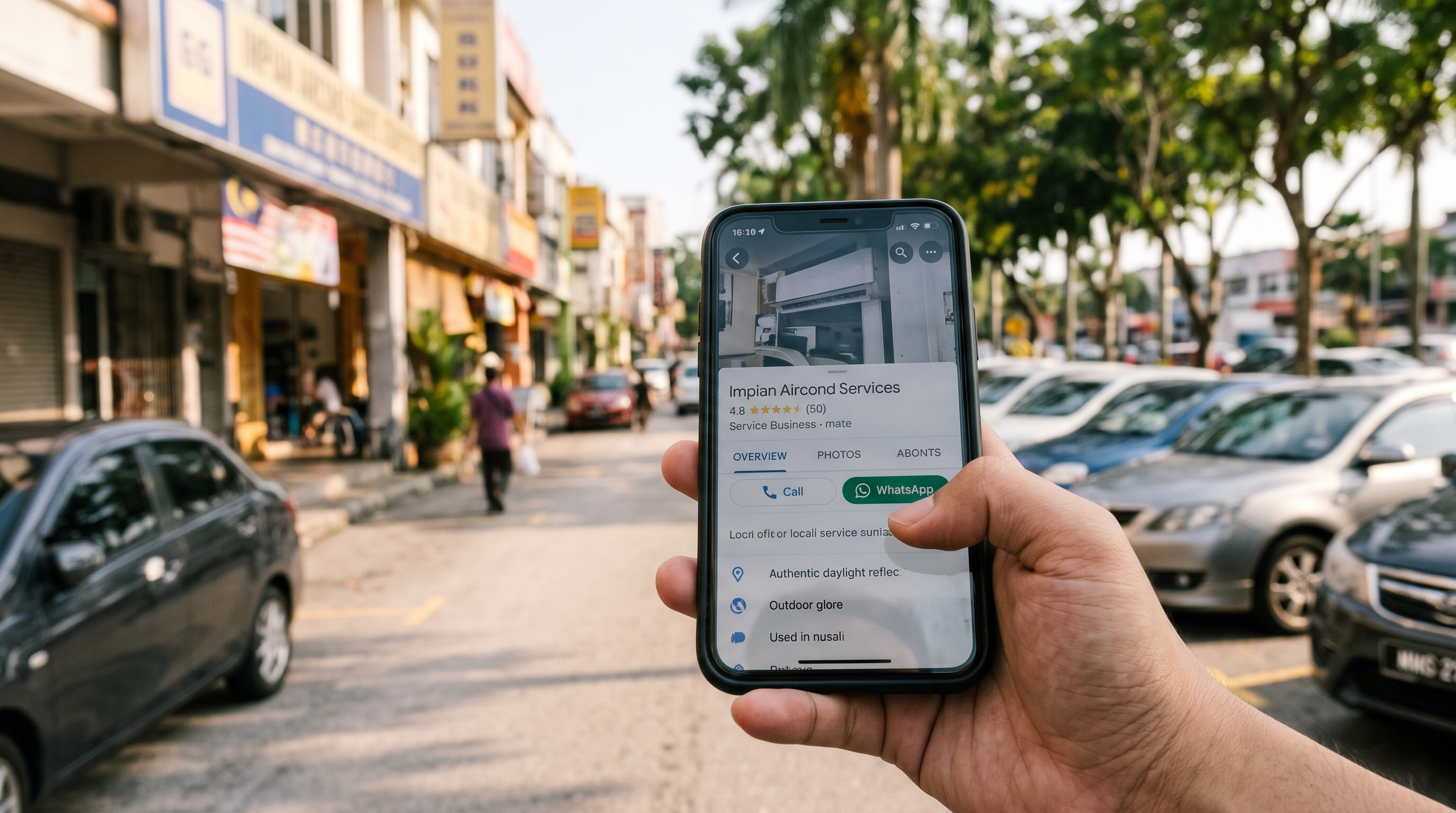
There is a second gap. If your Google Business Profile (your free listing on Google Search and Maps) shows a WhatsApp or call button, those customers may never visit your website, so analytics never sees them.
| Where the lead starts | What analytics can see | What only your team can see |
|---|---|---|
| Contact form | The form was sent | Whether it was spam or a real buyer |
| WhatsApp button on the site | The button was tapped | Whether a message arrived, and what happened next |
| Phone number on the site | The number was tapped | Whether the call connected and was answered |
| WhatsApp or call button on Google Maps | Nothing (your Business Profile’s Performance screen counts call taps) | What happened after the tap |
Step 1: Count the clicks in Google Analytics
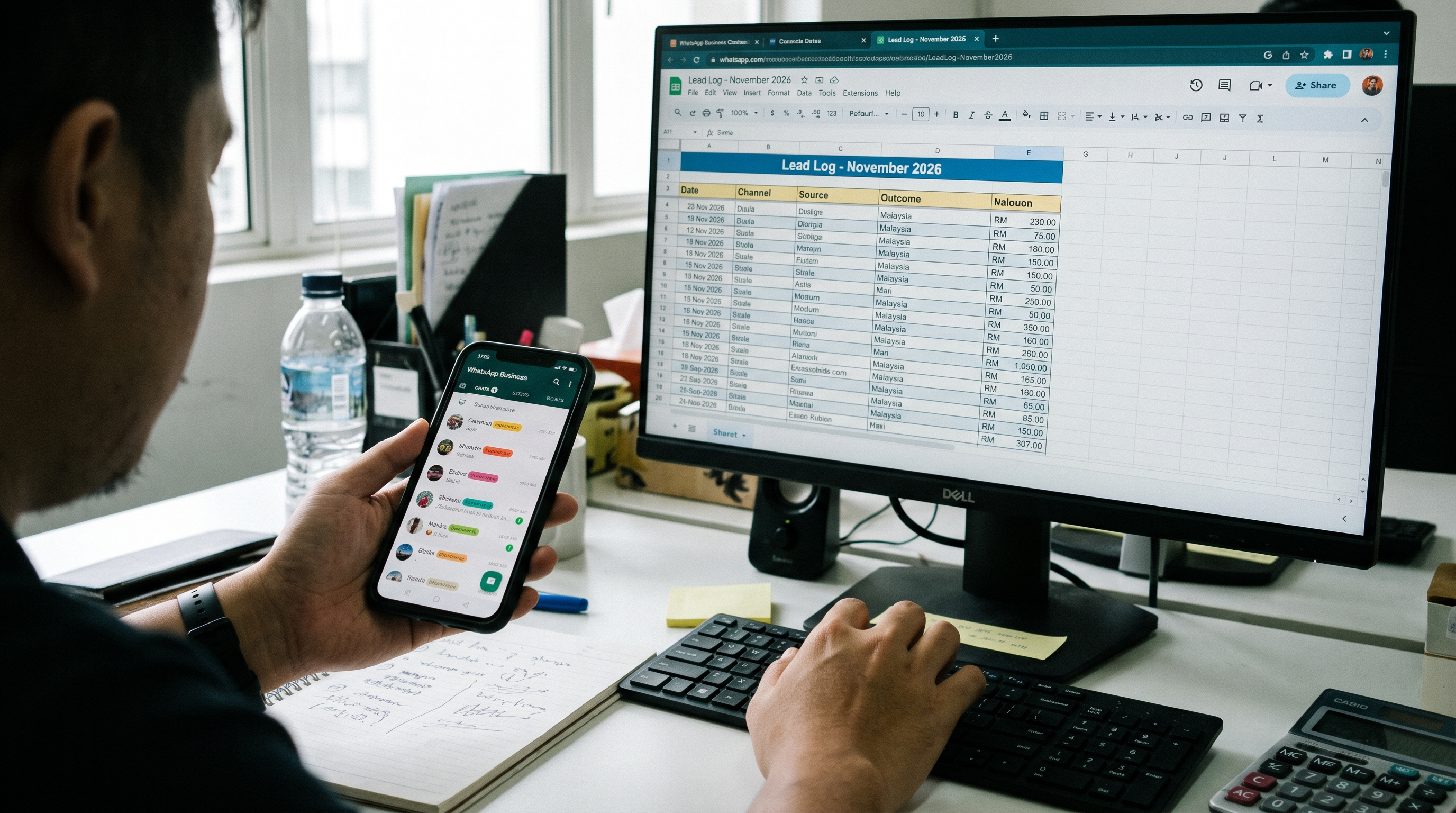
Google Analytics 4 is Google’s free tool for seeing how people use your website. In it, an action that matters to your business, such as a form being sent, is called a key event (formerly a conversion).
A setting called enhanced measurement automatically records outbound clicks and form interactions. An outbound click is a tap on a link to another website, and a WhatsApp button counts as one. To check it is on, go to Admin, then Data streams, open your website stream, and look at Enhanced measurement. Phone taps are not links to another website, so they usually need setting up separately.
Ask your web developer for three clearly named events: WhatsApp tap, phone tap and form sent. Count a form as sent only when the thank-you message appears, not when the button is pressed, or failed sends get counted too. Then mark each as a key event. In Admin, under Data display, open Events and click the star next to the event. Google’s guide to marking events as key events covers both this screen and the newer Key events screen some accounts show.
Three details that trip people up:
- It is not backdated. Marking an event does not change past data, and new key events can take up to 24 hours to appear. Set them up now.
- Renaming breaks it. If someone renames an event that is already a key event, it stops being one. Agree the names once and leave them alone.
- There is a limit. Standard accounts can mark up to 30 events as key events.
Questions to ask your web developer:
- Which taps and form sends are recorded today, and under what names?
- Can I see WhatsApp taps split by traffic source, such as Google Ads versus free search?
- Who will tell us if a website update breaks the tracking?
Step 2: Tag each chat so you know where it came from
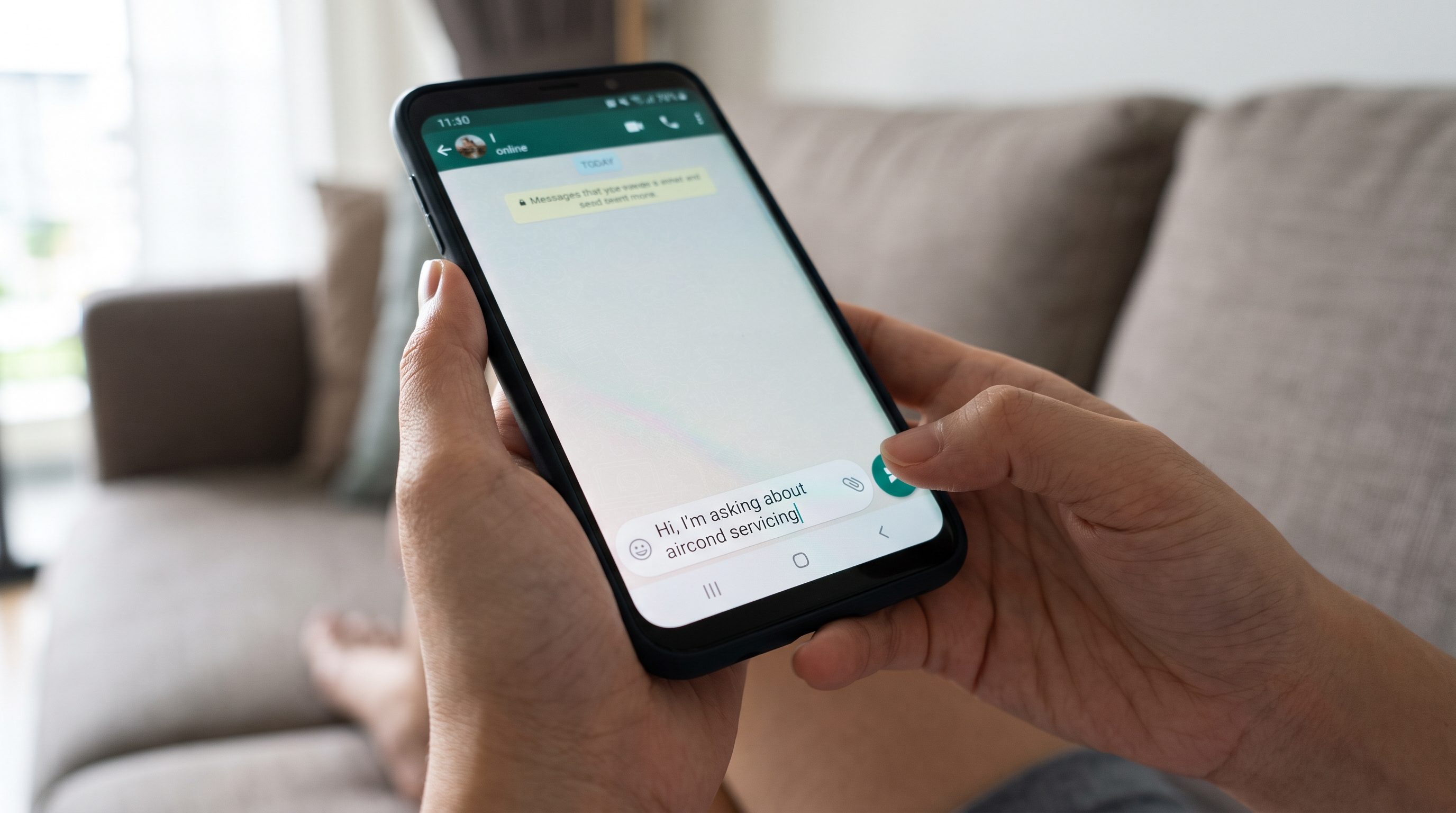
WhatsApp lets you add a pre-filled message to your chat link: text already sitting in the customer’s typing box, so they only press send. WhatsApp’s click to chat guide explains that the link can carry this text.
Use a different pre-filled message on each important page. For example:
- Service page: “Hi, I’m asking about aircond servicing (from your website).”
- Pricing page: “Hi, I’d like a quote (from your pricing page).”
- Google Business Profile: “Hi, I found you on Google Maps.”
- Ads landing page: “Hi, I saw your ad.”
That last one matters. An ad visitor and a free-search visitor on the same page send the same message, so send paid ads to their own landing page with its own message.
Now your team sees where each chat came from in the first message. In the WhatsApp Business app, they can also sort chats with labels, such as “Website”, “Maps” or “Quote sent”. WhatsApp’s help pages say you can create up to 20 labels, which newer app versions show under Lists.
Limit to accept: customers can edit or delete the pre-filled text before sending. Treat these tags as a strong hint, not a perfect count.
Step 3: Keep a simple lead log
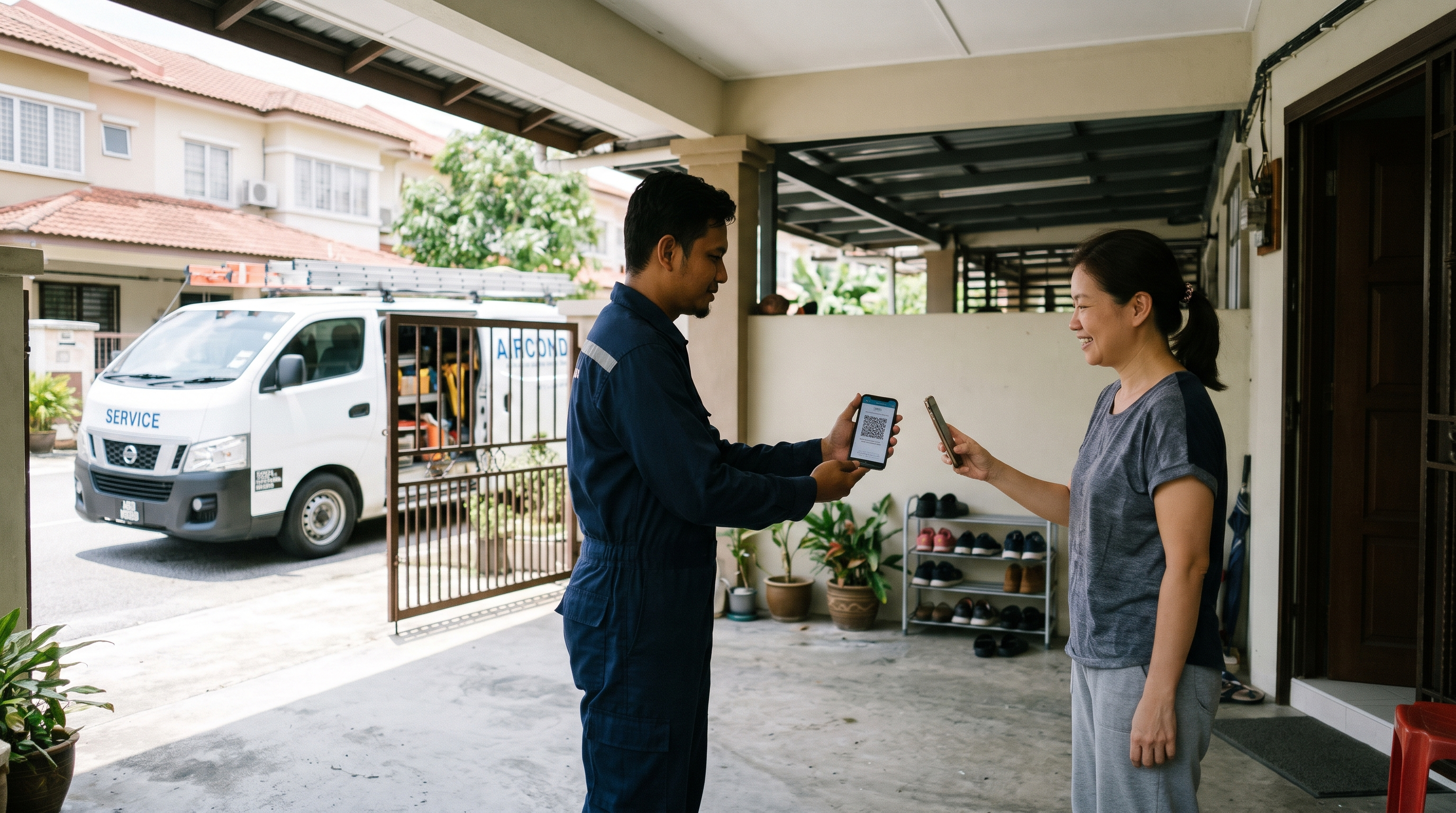
A lead log is one row per real enquiry, in a shared spreadsheet: the part analytics cannot do.
| Column | What to write | Why it matters |
|---|---|---|
| Date and time received | 14 Nov, 9:42pm | Shows when leads arrive |
| Channel | WhatsApp, form, call | Shows how people prefer to reach you |
| Source | Service page, pricing page, Maps, ads | Taken from the pre-filled message or by asking “how did you find us?” |
| First reply time | 15 Nov, 9:10am | Slow replies lose customers |
| Real lead? | Yes, spam, wrong number, job seeker | Clears out the noise |
| Outcome | Quote sent, won, lost, no reply | The number that matters |
| Value if won | RM1,200 | Lets you compare sources in ringgit |
Who does what: one person on the sales or admin team fills it in daily; the owner reads it monthly. As a rough guide, set-up takes an afternoon and upkeep takes a few minutes a day.
The log holds names and phone numbers, so it is personal data. Malaysia’s Personal Data Protection Act includes a security principle: businesses must take practical steps to protect personal data from loss, misuse, and access by the wrong people. So share the spreadsheet only with staff who need it, never with “anyone with the link”.
A worked example: judge each source by paying customers
Here is an illustrative month for a services business that spends RM1,500 on Google Ads. Each job is worth RM1,200.
| Source | Analytics count | Real leads (lead log) | Paying customers |
|---|---|---|---|
| Google Ads landing page | 30 WhatsApp taps | 12 chats | 2 |
| Google search and Maps (free) | 30 WhatsApp taps | 23 chats | 7 |
| Contact form | 10 forms sent | 9 (1 spam) | 3 |
| Total | 70 | 44 | 12 |
By taps alone, ads and free search look equal at 30 each. The lead log tells a different story:
- Ads: RM1,500 for 12 real chats is RM125 per lead. Two customers is RM750 per customer, for RM2,400 in revenue (before your costs).
- Free search and Maps: 7 customers, RM8,400 in revenue, with no ad spend.
Only 12 of 30 ad taps became chats, under half, which is a sign to test the ad landing page (see the monthly check below). On RM2,400 of revenue, ads lose money unless your gross margin tops 62.5% (RM1,500 divided by RM2,400). The cheaper win is improving the free listing and the pages people find in search. Without the log, you would never see it.
How to track website leads month to month
Once a month, put the analytics numbers next to the lead log. Rules of thumb:
- Taps vs real chats, per source. If real chats are fewer than half of one source’s WhatsApp taps for two months in a row, test the button yourself on a phone and on a desktop. It may open the wrong number.
- Forms sent vs forms logged. A big gap means forms are going to spam or an old inbox.
- First reply time. If many leads wait overnight, the problem is response speed, not the website. Our guide on why businesses lose leads after hours covers the options.
What can go wrong
- Tracking silently breaks after a website update. Warning sign: key events drop to zero while chats keep coming. Fix: after every update, tap each button, send a test form, and check the Realtime report in Google Analytics.
- The lead log is filled in “later”, then never. Warning sign: rows appear in batches at month end, with blank sources. Fix: one named person logs each lead the same day.
- Analytics undercounts taps. Warning sign: the lead log shows more real chats than analytics shows taps. Cause: visitors who decline your cookie banner or use ad blockers may not be counted. Fix: treat analytics as a trend line, and the lead log as the true count.
- You change the pre-filled messages without telling anyone. Warning sign: the source column fills with “unknown”. Fix: keep a short list of every page’s message in the same spreadsheet.

When this is the wrong choice
If you get fewer than about five leads a month (a rough guide), skip the analytics set-up. Ask every new customer “how did you find us?” and write it down. Your real problem is getting found, and our guide to website visitors who don’t become customers is a better place to start.
You also don’t need a customer relationship management (CRM) system, software that tracks every customer conversation, on day one. As a rule of thumb, move to one when more than three people reply to leads. And if most sales come from referrals, tracking taps tells you little; log referrals instead.

Frequently asked questions
Can Google Analytics see what customers say on WhatsApp?
No. Your website can only record that the button was tapped. The conversation happens inside WhatsApp, so counting real chats and outcomes has to happen in your own lead log.
How do I track leads from my Google Business Profile?
Your website analytics will not see customers who tap WhatsApp or call straight from Google Maps. Use a separate pre-filled message for your profile’s WhatsApp link, and ask callers how they found you.
What is a good response time for website leads?
There is no official target. After a month, use your log: compare how often leads answered within an hour became customers against leads answered the next day.
Final thoughts
Learning how to track website leads is about closing the loop: count the clicks, log the real conversations, and judge each source by paying customers. Your first week:
- Confirm enhanced measurement is on, and ask for the three named events.
- Give each key page, your ads page, and your Google profile its own pre-filled message.
- Start the lead log and name the one person who fills it in.
If you’d like a website that counts its own enquiries from day one, our website development team can build the tracking in before launch. Or talk to us about measuring your current site, and we’ll tell you honestly what to track first.