
ai-agents
Why Your Business Loses Leads After Hours (And the AI Fix)
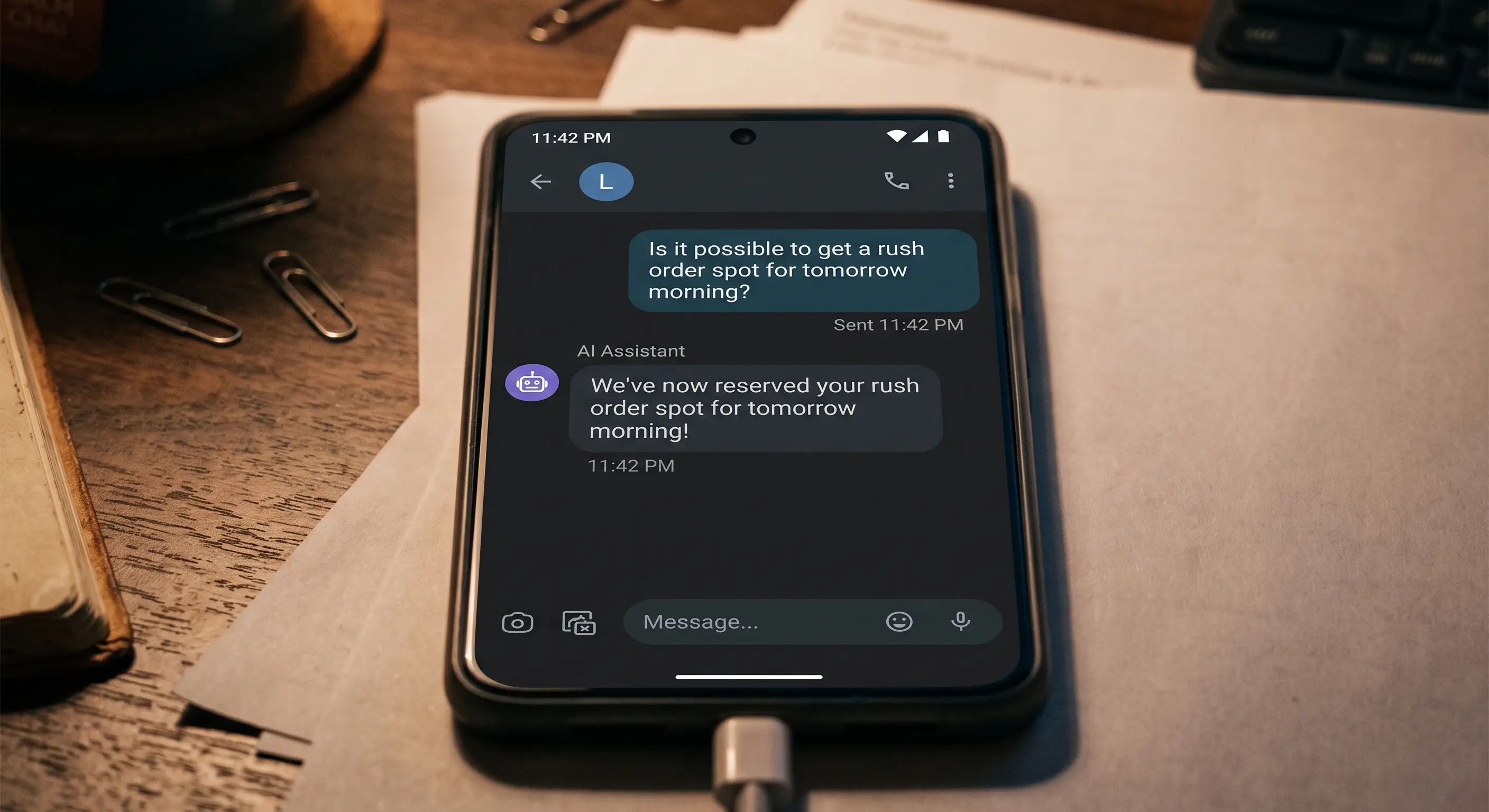
A customer visits your website at 9 PM. They have a question. Maybe it’s about pricing; maybe it’s whether you can handle a rush order. Your office is closed, so they leave, and they don’t come back. Instead, they message the next business on their list, the one that happened to reply first.
This is how most businesses lose leads after hours. It isn’t a sales problem. It’s a timing problem. And it’s one of the easier problems to fix, as long as you set the fix up with care.
Quick answer
You lose leads after hours because customers compare two or three businesses at once, and they often go with whoever replies first. An AI chat agent can answer common questions at night, take down the details of harder ones, and hand them to your team in the morning. It works best when you limit what it may answer and someone follows up early.
The real cost when you lose leads after hours
Customers rarely wait for one business to open. They ask a few and act on the first useful reply. Small teams can’t staff messages around the clock, so questions pile up overnight and over weekends.
Here is a simple way to put a number on it. The figures below are illustrative. Swap in your own.
| Item | Illustrative figure |
|---|---|
| Enquiries that arrive after hours, per month | 20 |
| Share that would normally turn into a sale | 1 in 5, so 4 sales |
| Sales lost because a faster business replied first | Half, so 2 sales |
| Average value of one sale | RM 800 |
| Revenue at risk each month | 2 × RM 800 = RM 1,600 |
A few missed messages a week can add up to a real monthly amount. And most of those messages aren’t hard. “Do you deliver to Shah Alam?” or “What’s your price for X?” don’t need a manager’s decision. They need a fast, correct answer.
Count your own after-hours enquiries first
Before you buy anything, spend two weeks counting. Check each place customers reach you:
- Website chat or contact form
- WhatsApp messages
- Facebook and Instagram messages
- Missed calls and voicemails
For each enquiry that came in outside office hours, note the time, the question, and how long it took you to reply. Those notes show whether the problem is worth solving, and which questions the AI should handle first.
Set a reply-time target to measure against. A rule of thumb, not a statistic: answer simple questions within minutes, and reply to anything that needs a person before 10 AM the next working day.
A chat agent doesn’t answer phone calls. If missed calls top your list, read our guide to whether an AI receptionist is worth it.
What an AI chat agent actually does
An AI chat agent is software that chats with customers in plain language, on your website and often on messaging apps. You give it your own business details (services, prices, policies, delivery areas), so it answers from your information rather than with generic replies.
It answers common questions instantly
Most customer questions repeat. The agent gives the same approved answer at 11 PM as your best staff member would at 11 AM.
It captures leads even at 2 AM
For harder questions, it collects the customer’s name, number, need and a good time to call. You wake up to a lead with context, not a missed message.
It sends the right info to the right person
It can label each enquiry so a pricing question reaches sales and a complaint reaches support.

Decide what it may and may not answer
This is the most important setup decision. Write it down before you go live.
| Type of question | What the AI should do |
|---|---|
| Opening hours, location, delivery areas, how to order | Answer directly |
| Standard prices from your published price list | Answer directly |
| Custom quotes, bulk discounts, rush jobs | Collect details and hand off |
| Stock levels or booking slots (unless it is connected to your live system) | Collect details and hand off |
| Complaints, refunds, angry customers | Apologise, collect details, flag as urgent |
| Medical, legal or money advice | Never answer; hand off to a person |
It’s not just about the website
A chat agent can often work across your website, WhatsApp and social media inboxes, so customers reach you where they already are. Before you connect each channel, check three things:
| Channel | Check before connecting | Warning sign it isn’t working |
|---|---|---|
| Website chat | The chat box shows on phones, not only on desktop | Mobile visitors leave forms half filled |
| The vendor uses an approved business connection, not your personal number | Messages arrive on a staff member’s phone and nowhere else | |
| Facebook and Instagram | One person owns the shared inbox | Messages sit unread because “someone else checks it” |
Rule of thumb: start with the one channel where your count found the most after-hours enquiries. Add the next only after the first runs smoothly for a month.
What can go wrong with after-hours AI chat
Each of these failure modes has a warning sign you can spot early.
| What goes wrong | Warning sign | Fix |
|---|---|---|
| It gives a confident wrong answer about price or stock | A customer quotes a price you don’t offer | Limit it to approved answers. Send anything outside the price list to a person. |
| Leads are captured, but nobody follows up | Leads still unanswered past lunchtime the next working day | Name one person who owns the morning follow-up, with a set time to check. |
| It asks too many questions | Many chats stop halfway | Ask for four things only: name, contact, need, best time to call. |
| It promises what only a person can confirm | Double bookings or missed delivery dates | Let it take a “request”, not confirm it. A person confirms in the morning. |
| It sounds robotic or ignores mixed-language messages | Customers repeat themselves or ask “is this a real person?” | Test it with real past messages, including ones that mix Malay and English. Adjust the tone before launch. |
| It collects personal details without saying why | No privacy note in the chat window | Add a short line explaining why you collect details and how you use them. Malaysia’s Personal Data Protection Act 2010 (PDPA) covers names and phone numbers collected this way. It was amended in 2024, so check your current duties. |
After launch, read a sample of conversations every week for the first month, and correct anything that sounds wrong.
When AI chat is the wrong choice
An AI chat agent isn’t the right fix for every business. Use these decision rules:
- Few after-hours enquiries. If your count finds only one or two a week, a clear away message with your opening hours, plus a fast morning reply, may be enough.
- Every enquiry needs judgement. If each job needs a site visit or custom quote, a simple form may do the same job.
- Emergencies. If customers contact you about urgent breakdowns, they need a person or an on-call phone line, not a chat.
- No one can follow up. If nobody will reply to captured leads within one working day, fix that first. An AI that collects leads nobody calls back makes things worse.
Getting started doesn’t mean an overnight overhaul
You don’t need to automate everything at once. Start small:
- Count. Track after-hours enquiries for two weeks, as described above.
- List the top 10 questions. Write the approved answer to each one in plain words.
- Write the handoff rule. Use the “may and may not answer” table as your starting point.
- Test with real messages. Take 20 past enquiries and check how the agent replies to each one before customers see it.
- Go live on one channel. Review conversations weekly for the first month, then expand.
Rough guide to effort, not a quote: most of your time goes into steps 2 and 4, gathering answers and testing them. The technology is the smaller part.
Questions to ask a vendor
- What does it cost in total, including setup, monthly fees and any charge per conversation?
- Which channels does it cover, and which cost extra?
- How does it hand a conversation to my team, and how do we get notified?
- Can I see and edit every answer it gives?
- Where are conversations and customer details stored, and who can see them?
- What happens when it doesn’t know the answer?
- For WhatsApp, is this an approved business connection under WhatsApp’s current rules?
What this means for you, not just your business
The change owners notice is quieter than conversion rates. You stop checking your phone every hour in the evening. You wake up to a short list of leads, each with a name, a need and a time to call, instead of wondering what you missed.
A simple 10-minute morning routine keeps it working:
- Open the overnight lead list.
- Call or message every “urgent” lead first.
- Note any question the AI couldn’t answer, and add an approved answer for it.
Frequently asked questions
Will customers know they are chatting with AI?
They should. Say so in the first message, and make it easy to ask for a person. Customers are more forgiving of a limit when they know what they are talking to.
Can an AI chat agent handle Malay, English and Chinese?
Many AI chat tools can reply in several languages. Test it with real past messages, including ones that switch language mid-sentence, and check it hands off cleanly when unsure.
How much does an AI chat agent cost?
Costs vary with the number of conversations, the channels you use, and whether it connects to your booking or order system. Ask for the total cost, including setup and usage charges, not just the monthly fee. Then compare it with the revenue at risk you worked out from your own count.
What if it gives a customer the wrong answer?
Limit it to approved answers and hand off anything else. If a wrong answer slips through, contact the customer, correct it, and add the right answer so it doesn’t happen again.
Final thoughts
Most businesses lose leads after hours for one simple reason: nobody is there to reply. An AI chat agent can fill that gap, but only if you decide what it may answer, keep its questions short, and make sure someone follows up each morning.
If email is where enquiries pile up, read our guide to setting up AI email triage, or explore our AI solutions.
If missed after-hours messages sound familiar, we help SMEs set up AI chat agents that fit their business, without a long, complicated rollout. Get in touch to see what it could look like for you.